Marketing & CRM
Import customers, build SMS and email campaigns, and automate review requests and win-backs — every guest becomes a customer record that works for you.
The customer database
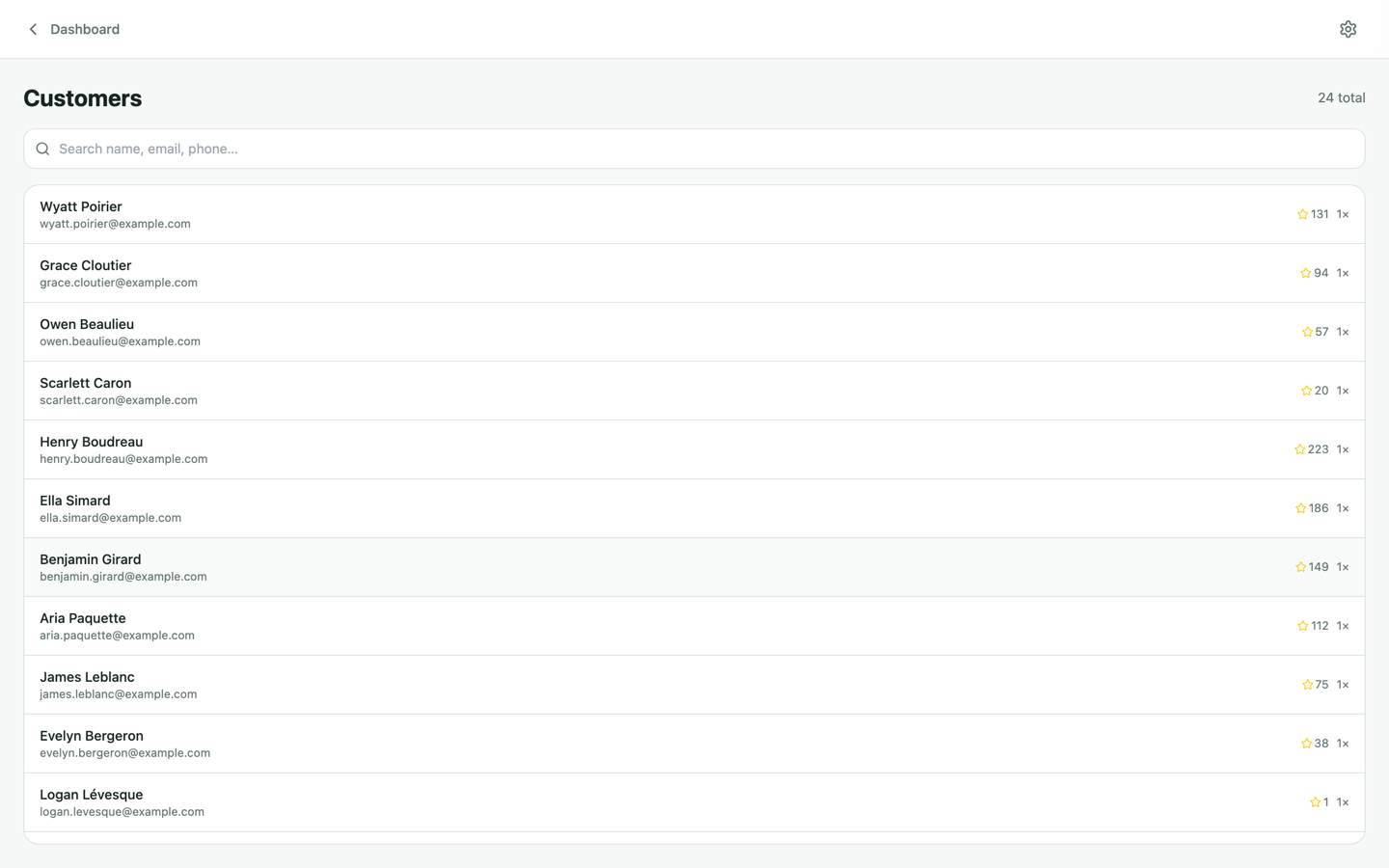
Every booking, kiosk check-in, chat and waiver signature builds a customer profile automatically: visit history, spend, signed waivers, consents and every conversation. Open Customers to search, filter and tag your list.
1. Import your existing list
Bring your history with you: import customers via CSV from the Customers page. Names, emails, phone numbers and tags come across, and duplicates are matched by email/phone so you don't end up with two of everyone.
2. Build campaigns
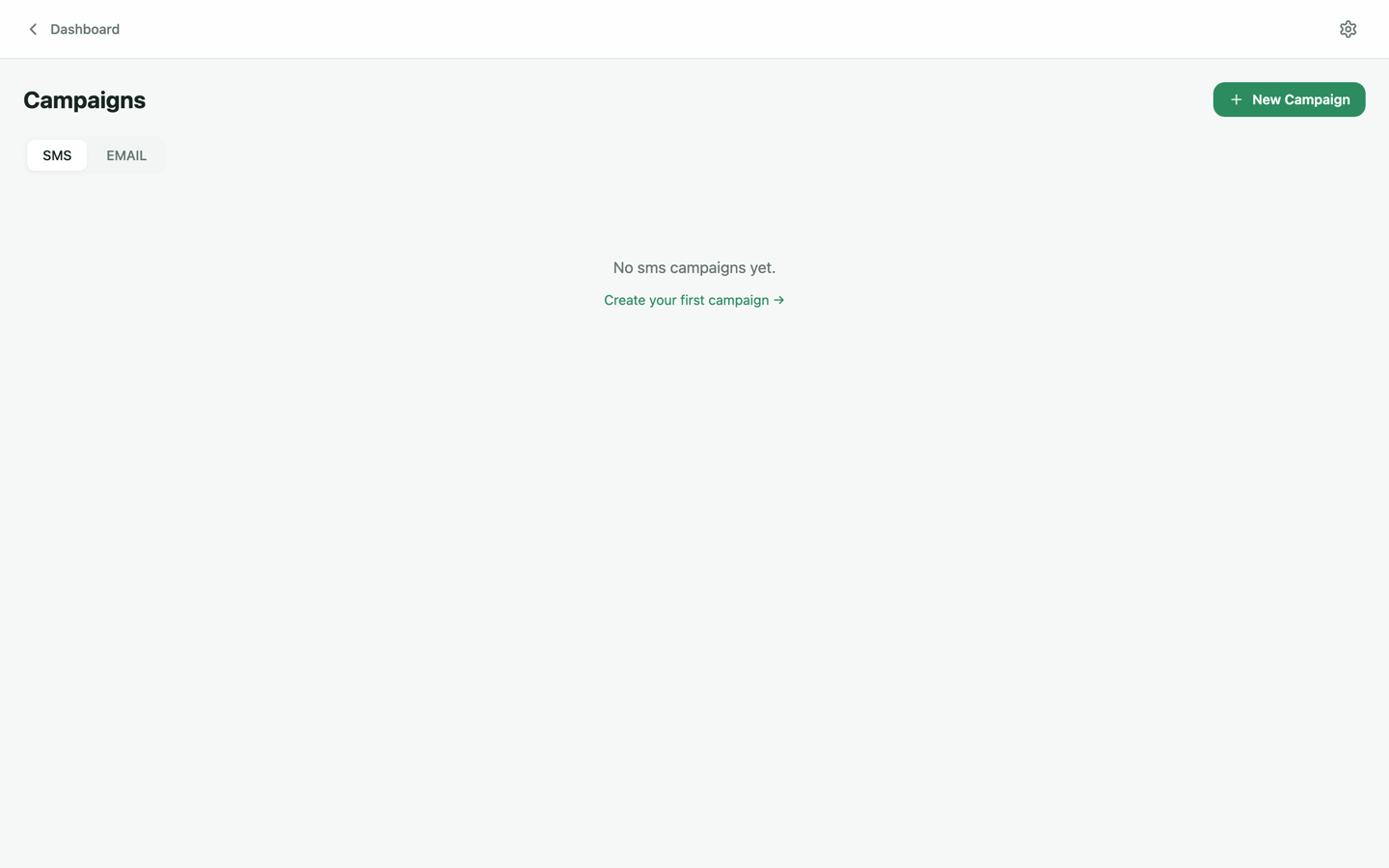
Campaigns sends SMS and email blasts to your whole list or a tagged segment — birthday offers, slow-Tuesday promos, new-game launches. Emails support subject and preview text; delivery, opens and failures are tracked per recipient, and campaign analytics tie back to actual bookings and revenue.
3. Automate reviews & win-backs
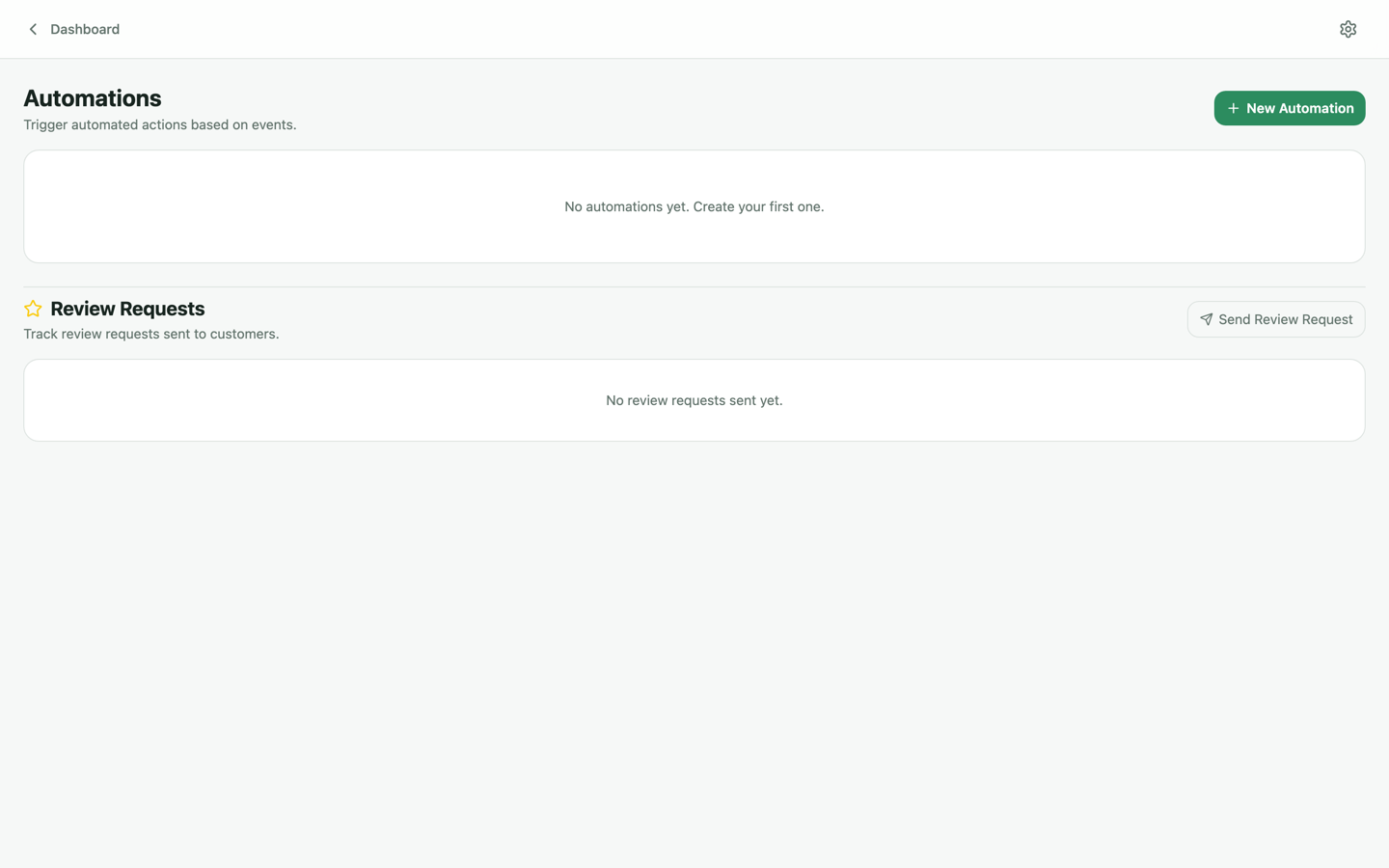
Under Automations, turn on the flows that quietly fill your calendar:
- Review requests — after a visit, guests get a text asking for a Google review; happy guests click straight through.
- Win-backs — guests who haven't visited in a while get an automatic nudge with an offer.
- No-show follow-ups — missed bookings get a rebooking link instead of silence.
Incoming reviews are monitored on the Reviews page, so you can respond fast and watch your rating trend.
4. One inbox, synced with your email
Conversations keeps chat, SMS and email in one thread per customer. Connect Gmail or Outlook under Settings → Messaging for two-way sync — replies sent from the dashboard come from your real address, and replies to your inbox appear in the thread.
Measure it
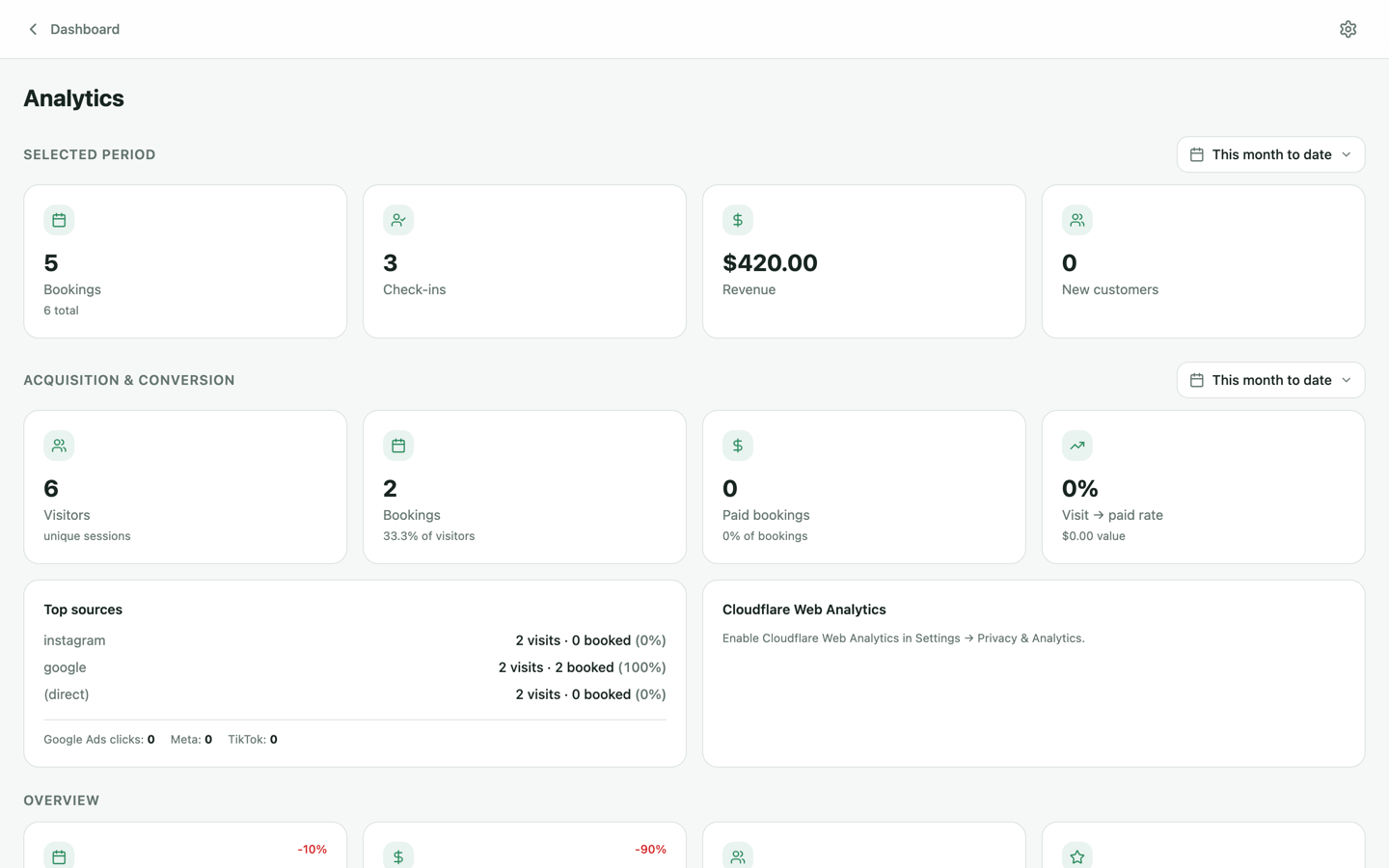
Analytics ties it together: revenue, utilization, booking funnel and campaign performance — for one venue or across an organization.