Security & privacy
Two-factor authentication, roles and permissions, audit logging, consent management and GDPR/CCPA data-rights handling — locked down by default.
1. Protect your account
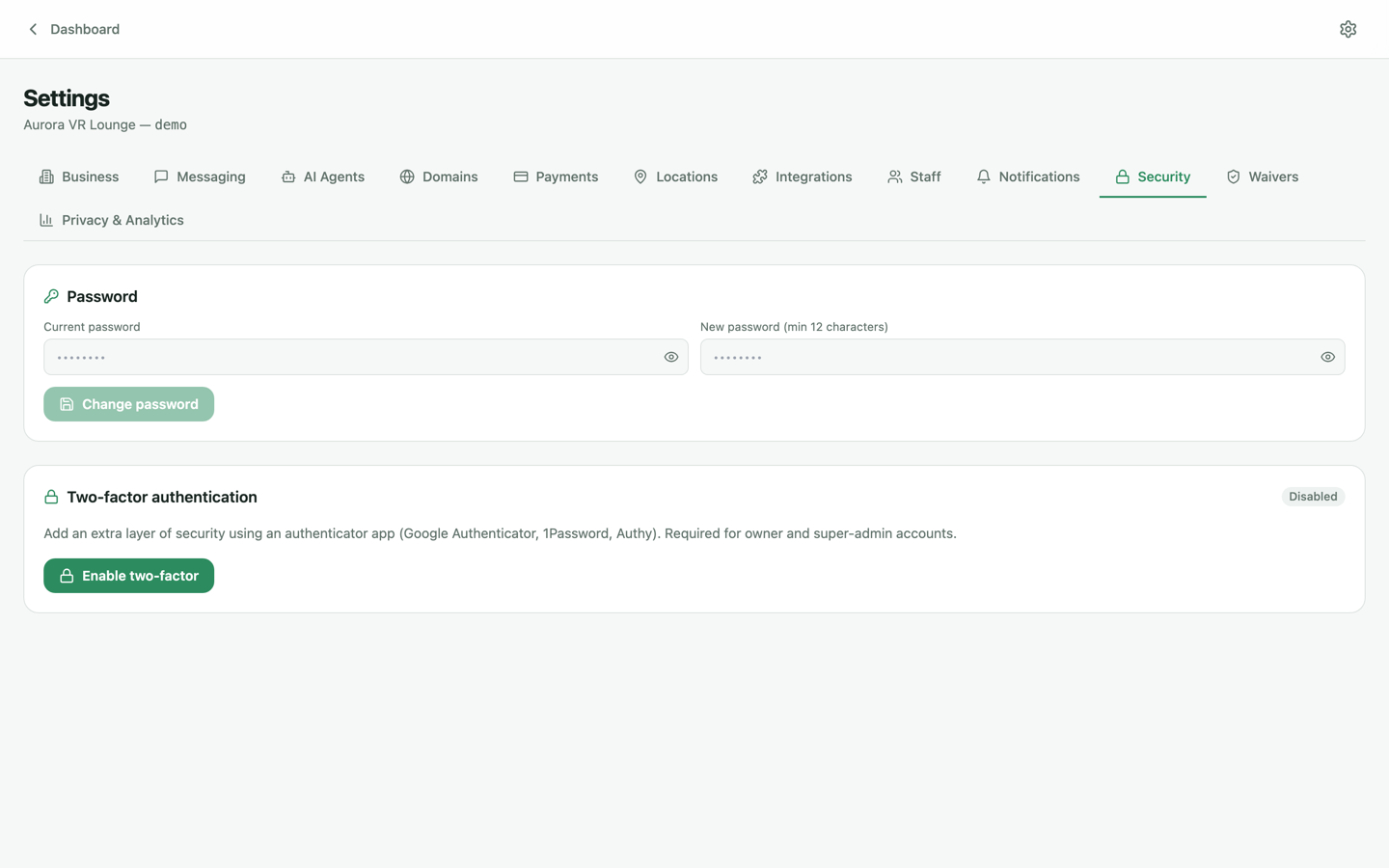
Under Settings → Security, every user can change their password and enable two-factor authentication (TOTP — Google Authenticator, 1Password, etc.). We recommend owners and managers turn 2FA on the day the account is created.
2. Roles & permissions
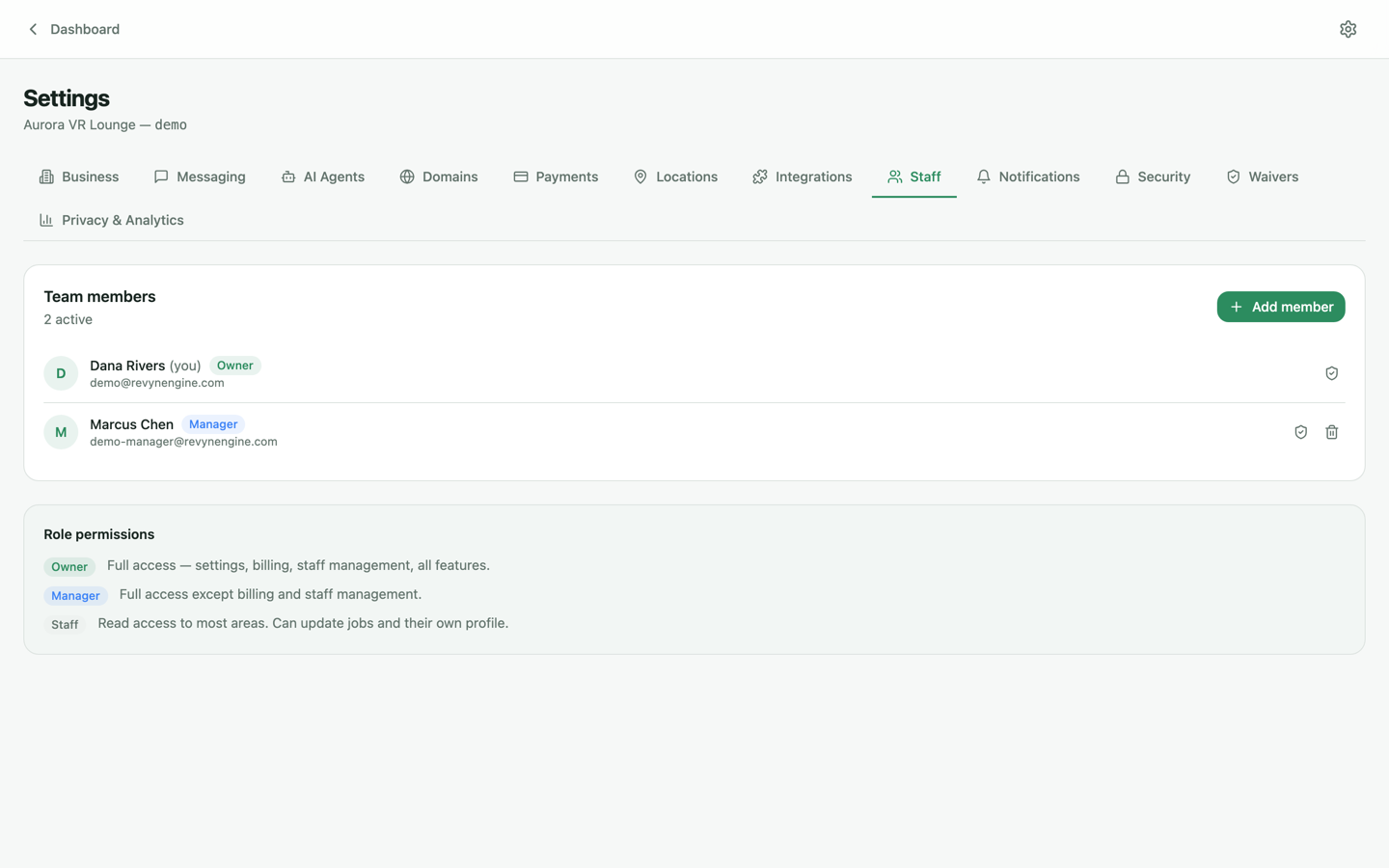
Staff access follows least privilege: Owner (everything, including billing and security), Manager (operations and marketing) and Staff (front-desk essentials). Manage roles under Settings → Staff — and remove access the moment someone leaves the team.
3. Consent & analytics privacy
Settings → Privacy & Analytics controls the consent banner on your customer-facing sites. The platform is region-aware: EU/EEA/UK visitors always get opt-in consent (you can't relax it), while North American visitors follow the mode you choose. Marketing consents (email/SMS) are captured per customer and honored automatically by campaigns.
4. Data-rights requests (GDPR / CCPA)
When a guest asks for their data or asks to be deleted, handle it from their customer profile: export produces a complete machine-readable copy; deletion removes personal data while preserving what you're legally required to keep (signed waivers, payment records). Requests are logged so you can demonstrate compliance.
Platform security
Under the hood: encryption in transit (TLS 1.2+ enforced) and at rest, tenant isolation on every query, audit logging of sensitive operations, and alignment with the CSA Cloud Controls Matrix v4. The full picture — including our data-processing terms — is on the Security & compliance page.