Online booking
Configure sessions, availability, deposits and your branded booking microsite — so guests book, pay and get confirmed without a phone call.
Your booking microsite
Every venue gets a branded booking site out of the box. It lists your games with covers, player ranges and durations, shows real-time availability, and walks guests through a four-step flow: pick a date, pick a time, enter details, confirm and pay. Confirmations and reminders go out automatically by email and SMS. Group bookings have no hard player cap — you set the limits per game.
Sessions & durations
Session types come from your Games: each game's duration and player range defines what guests can book. Add a game for every bookable experience — free-roam arenas, VR booths, party packages or private hires — and set the duration and player range that fits.
Availability & blackout dates
Open Bookings → Availability to set your weekly opening hours and block out dates — holidays, private events or maintenance windows. The booking site only ever offers slots inside your availability, and external calendar busy time can block slots too if you connect Google or iCloud Calendar under Settings → Integrations.
The schedule view
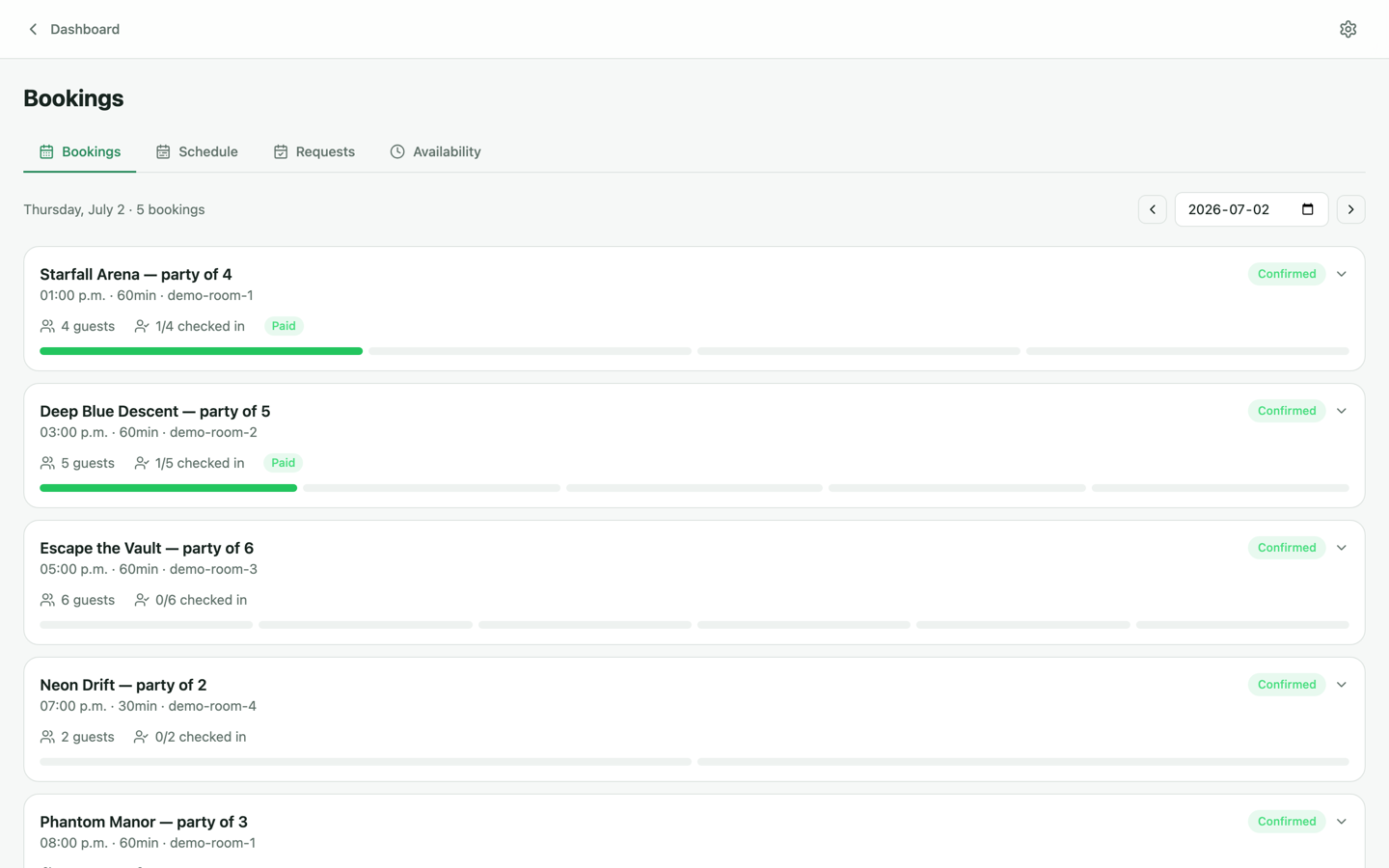
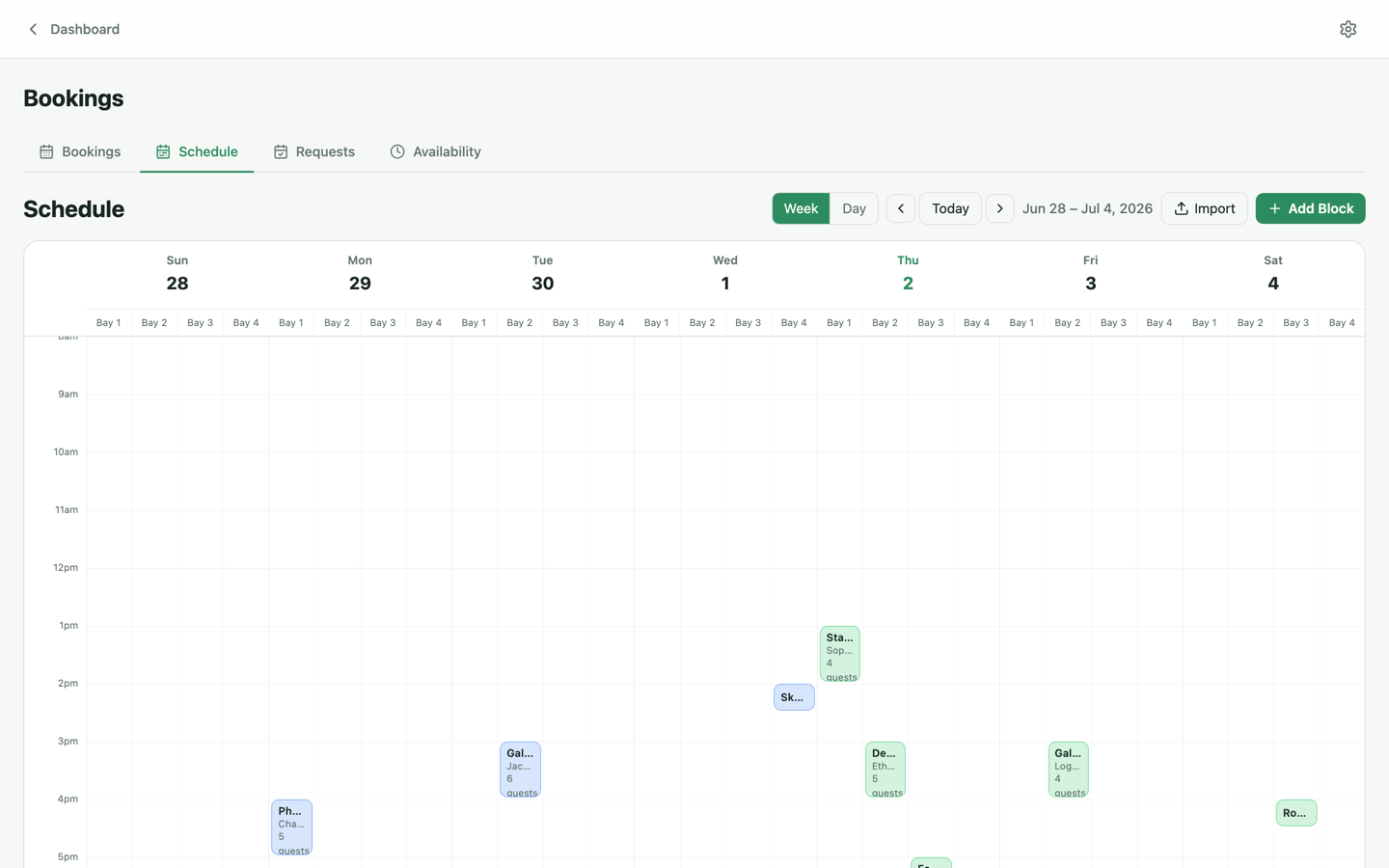
Bookings → Schedule lays the day out per room, so you can see turnover at a glance and spot gaps worth filling. Walk-ins can be added straight from the dashboard.
Deposits & cancellation policy
With Stripe connected you choose how money is collected at booking time: full payment, a deposit with the balance due at the venue, or pay-on-arrival. Partial and split payments are first-class — guests can split a group booking, and the front desk can settle the remainder on a card terminal at check-in. Your cancellation window and policy text are shown to guests before they pay.
Booking requests
For experiences you'd rather approve manually — corporate events, school groups, full-venue hires — requests land in Bookings → Requests where you confirm or decline them. Guests are notified automatically either way.
Custom domains
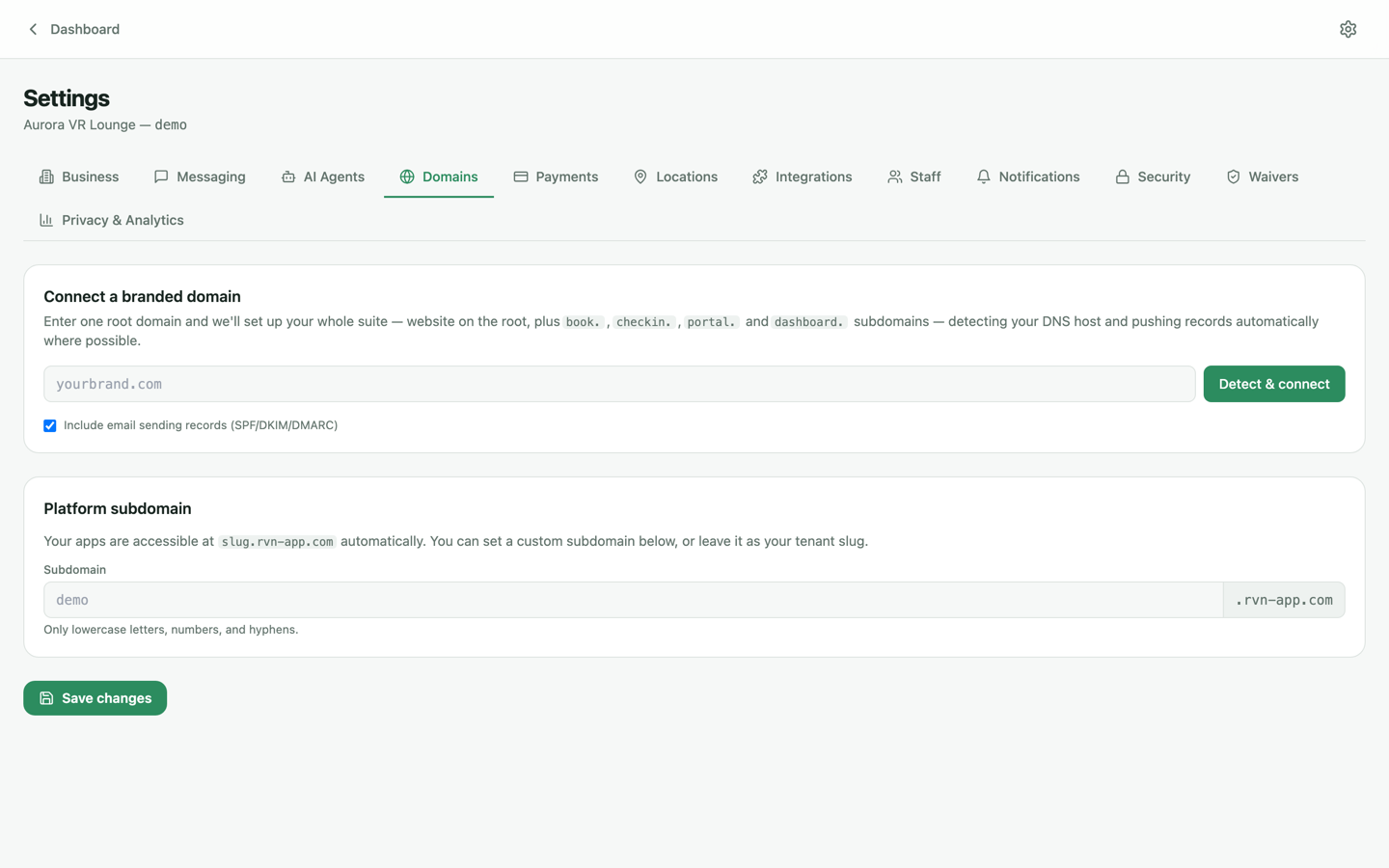
By default your booking site lives on a Revyn Engine URL. To serve it from your own domain (say book.yourvenue.com), open Settings → Domains and follow the connect flow — if your DNS provider supports Domain Connect the records are created for you in one click; otherwise you'll get the exact records to paste in.